
How to Create a Presentation in Minutes with Gamma App (Step by Step)
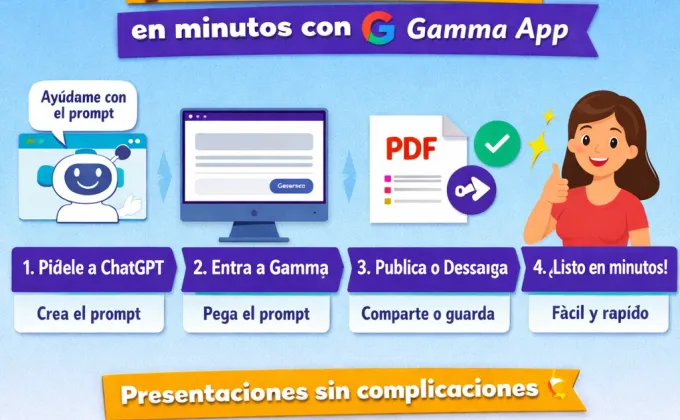
These days, you don't need to be a tech expert to create a beautiful and clear presentation. In fact, you can do it in just a few minutes using two very simple tools: ChatGPT and Gamma App. The idea is that ChatGPT helps you brainstorm, and Gamma takes care of the design. This way, you avoid starting from scratch and stress about how to arrange text or colors.
The first step is to open ChatGPT and ask it to help you create a prompt (an instruction) for Gamma App. For example, you can say something like:
ChatGPT Prompt
“Create a prompt in Spanish for a presentation about 5 simple habits to be more productive in school, aimed at middle and high school students.”
ChatGPT will return a ready-to-copy text, with the titles and content already organized. This step is like asking someone to write the script for you before you start.
Prompt for Gamma App, generated by ChatGPT
Create a visually appealing, modern, and youthful presentation titled:
“5 Simple Habits to Be More Productive in School”
Target audience: Middle and high school students (ages 15-18).
Use clear, concise, and motivating language.
Structure:
Cover Page
Large Title: 5 Simple Habits to Be More Productive in School
Subtitle: Made Easy with Gamma App
Habit 1: Organize Your Day
Short Text: Write down your assignments and exams before you start.Habit 2: Start with the Hardest Task
Short Text: Do the most difficult task first.Habit 3: Less Phone, More Focus
Short Text: Silence notifications while you study.Habit 4: Study in Short Blocks
Short Text: 25 minutes of studying, 5 minutes of breaks.Habit 5: Review before submitting
Short text: Avoid careless mistakes.
Closing
Text: Creating presentations with Gamma App is that easy.
CTA: Try it and create yours in minutes.
Next, open Gamma App and choose the option to create a new presentation.
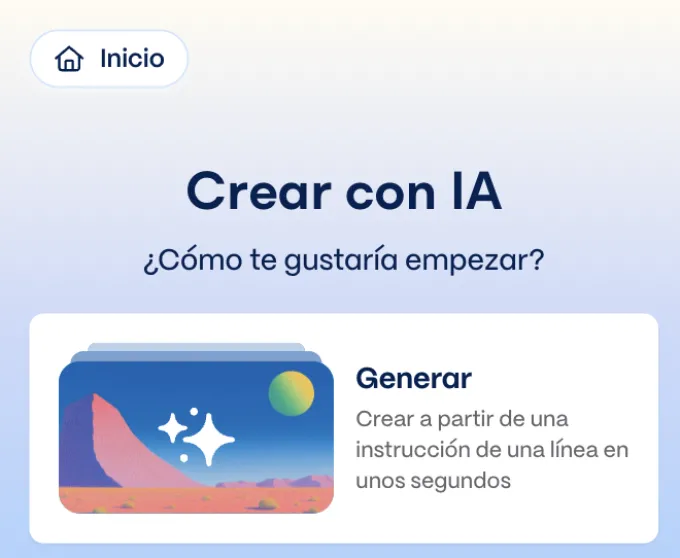
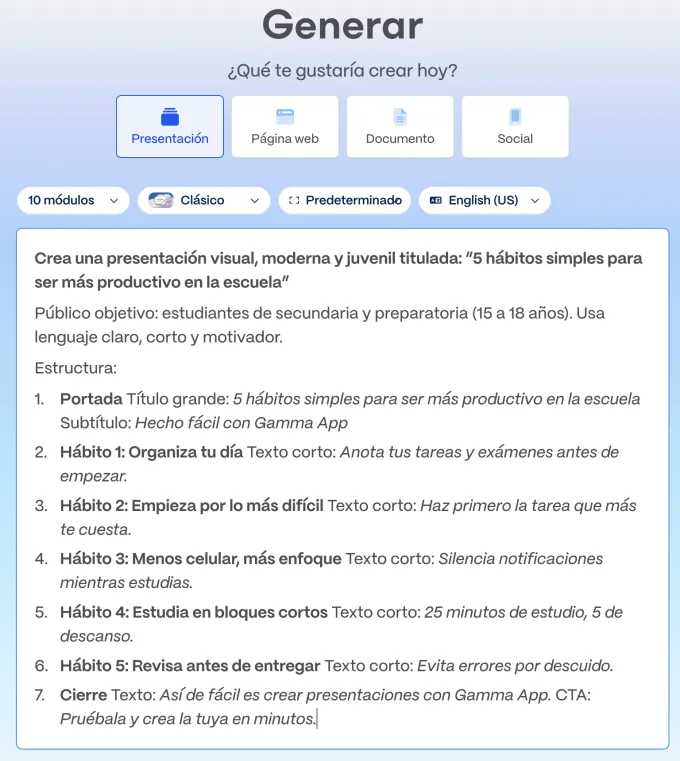
There, you just have to paste the prompt that ChatGPT gave you. Gamma will take care of converting that text into a visual presentation, with well-arranged slides, clear text, and a modern design. If you want, you can change colors, images, or the style, but it's not required: it already looks good as is.
Once your presentation is ready, you can publish it directly, share the link, or download it as a PDF to send via WhatsApp, email, or print it. This is ideal for school, work, or uploading content to social media. The whole process is quick, and you don't need complicated programs or design skills.
Finally, one extra tip: always keep the content simple and short. Less text, clear ideas, and a direct message. In just a few minutes, you can create a useful and beautiful presentation using Gamma App, without complications and without feeling like technology is a problem. It's a practical way to save time and achieve great results.
Review the presentation created with GAMMA APP. View the presentation created with Gamma App.
